After Effects 27 adds an AI Assistant that edits your project from text requests
Adobe's After Effects 27.0 adds an AI Assistant panel that carries out project tasks, such as renaming layers and writing expressions, from typed requests.

Adobe's After Effects 27.0 brings a dockable AI Assistant that renames and organises layers and comps, edits text and shape layers, writes and debugs expressions, adjusts keyframe interpolation and generates footage with Firefly and partner models, asking for approval before it acts by default. Other additions include animated layers as 3D material sources, Substance 3D materials on 3D text and shapes, editable Illustrator text, an Adobe Stock panel and a Contour Paint effect. Most AI actions use generative credits.
Why it mattersRoutine project housekeeping and expression writing handed to an assistant inside After Effects.
What is new
After Effects 27.0 includes a dockable AI Assistant panel. It opens from the application header or the Window menu. You type a request, and the assistant carries out the change in your project. Adobe's community post says a user can describe what they need in the panel, and the assistant can organise a project, write and fix expressions, and generate images and videos.
By default the assistant asks for approval before it acts. An option lets it act without asking. Adobe's documentation, as quoted in the Digital Production article, says that undo reverses single changes and not a whole request in one step.
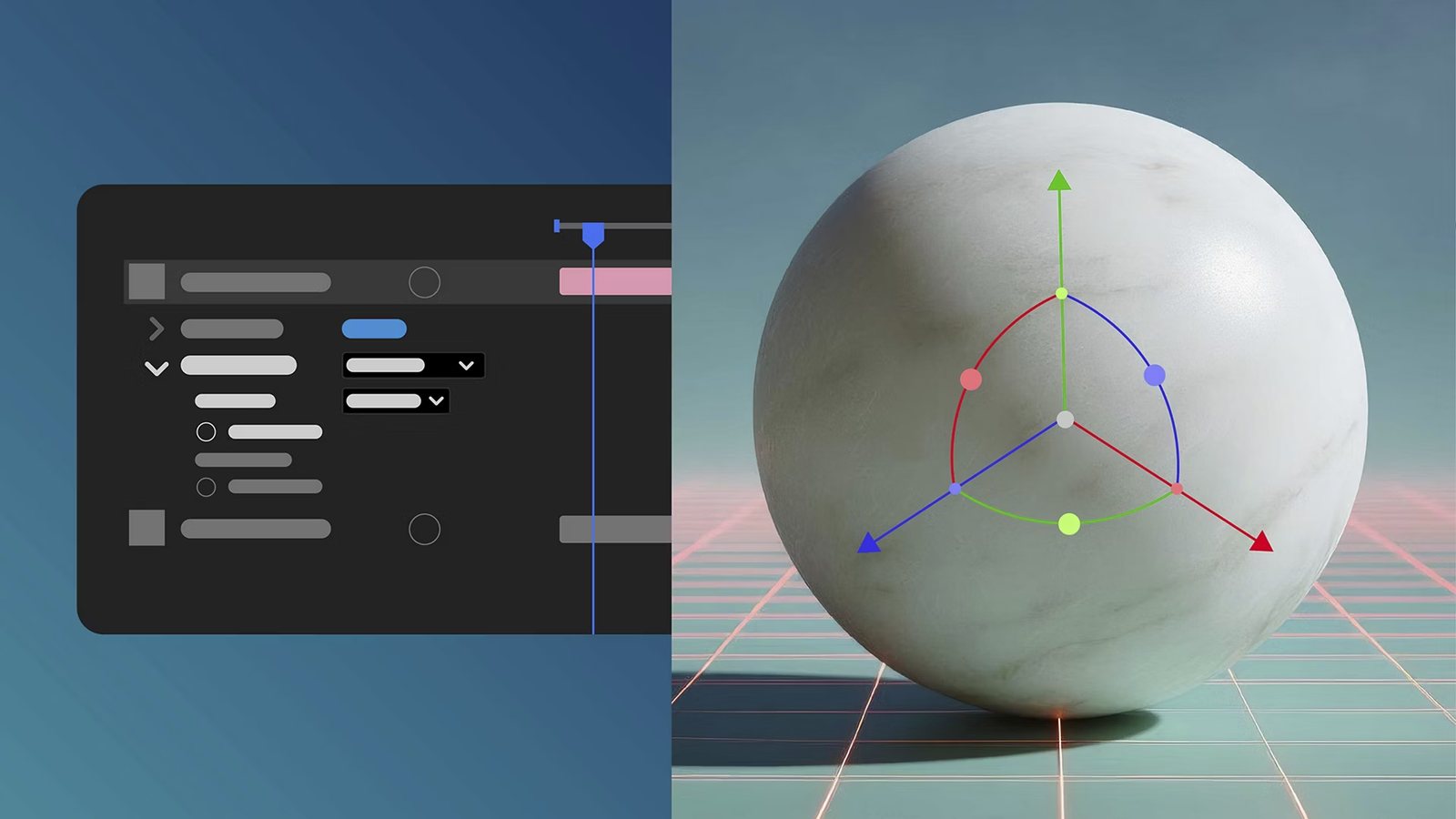
What it can do
The article lists these tasks for the assistant. Expressions are short formulas that control animation, and the assistant can explain, generate and debug them.
- Rename, colour-code and reorganise folders, layers and compositions
- Create and open compositions
- Edit parts of text layers and add, remove or reorder shape operators
- Inspect and export Motion Graphics templates
- Explain, generate and diagnose expressions, and adjust keyframe interpolation
- Generate footage, backgrounds and reference images with Adobe Firefly, and video with Firefly and partner models
- Save custom assistant skills for workflows that are repeated
Credits and access
Most AI actions use generative credits. The article says the rates are introductory and may change, and it gives no figures. A community expert said that hovering over an icon in the chat shows the credits used for each reply. Creative AI services must be available in your region. Enterprise access is off by default until an administrator assigns the separate After Effects AI Assistant role.
Other new features in 27.0 include animated layers as material sources for 3D objects, Substance 3D materials on 3D text and shapes, editable text from Illustrator files, an Adobe Stock panel, a Contour Paint effect and a de-esser for audio. The article does not give the price, the plans or the system requirements.