Unsloth beta adds computer use for local models and MCP links to Blender, Unreal and Godot
Unsloth's beta lets local vision models use the screen, mouse and keyboard, and its MCP menu adds Unreal, Unity, Godot and Roblox.
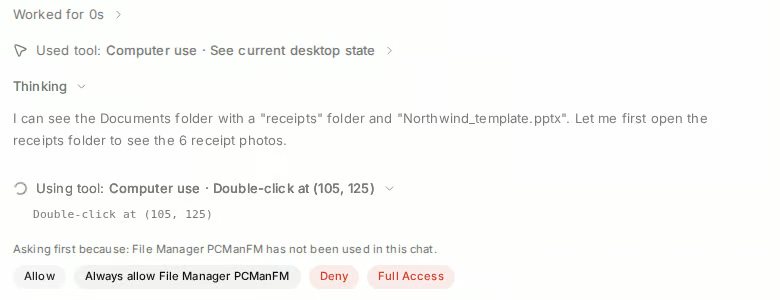
Unsloth v0.1.918-beta lets local vision models (GGUF, safetensors or MLX) and connected providers see the screen and use the mouse and keyboard on macOS, Windows and Linux. It is off by default and asks for approval before the first action and when switching apps. The MCP menu now connects Unreal Engine, Unity, Godot and Roblox alongside Blender. The release also adds GGUF, FP8 and INT8 support and LoRA training for MiniMax H3 Image.
Why it mattersLocal models that can operate creative apps, with no cloud account.
Computer use (beta)
Computer use means a model can look at the screen and control the mouse and keyboard, the way a person would. Unsloth's release notes say this works with local vision models, which can read images, in GGUF, safetensors or MLX formats, and with connected providers. It runs on macOS, Windows and Linux. The notes do not name the connected providers.
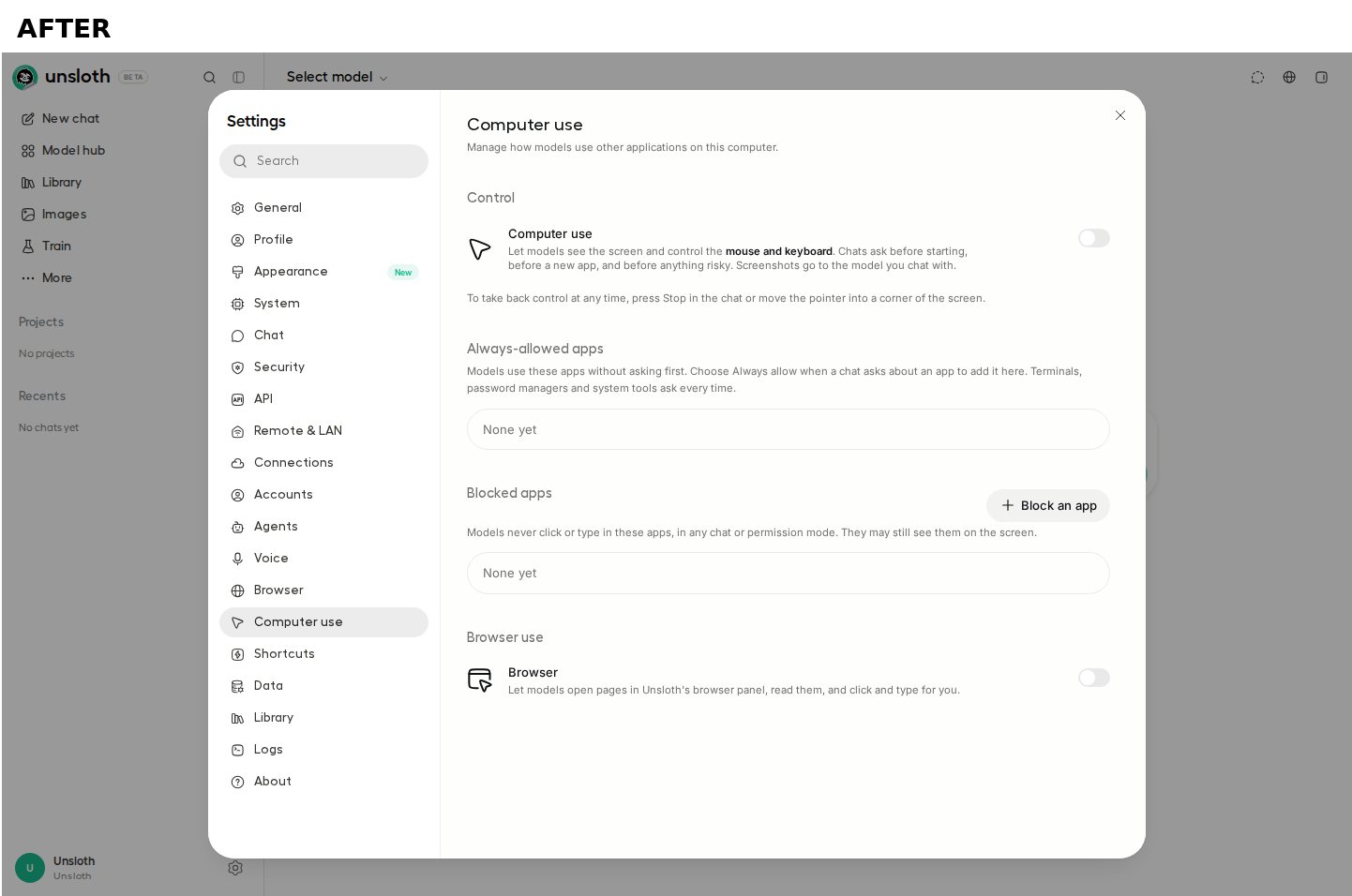
The feature is off by default and has permission controls. The app asks for approval before the first action, when the model switches to a different app, and before any risky action. Apps you block stay closed to the model. You can take back control at any time. Unsloth's settings page lets you allow an app for future chats or block it, and it has a separate switch for browser use.
MCP links for creative apps
MCP (Model Context Protocol) is a standard way for an AI model to talk to a tool. The MCP menu now connects Unity, Unreal Engine, Godot, Roblox and Blender, along with Figma. Unsloth says Figma is read-only, so the model can look at a design but not change it. The release notes do not say how far each connection goes beyond these named apps.
Other changes in the same release
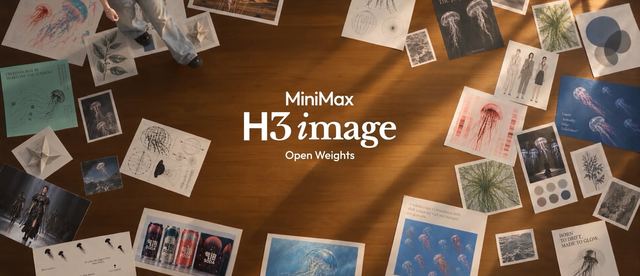
The release also adds GGUF, FP8 and INT8 support for MiniMax H3 Image, and LoRA training for it. Unsloth says the model can choose INT8, FP8 or BF16 precision based on the hardware. Its own figure is a 2048-pixel decode time of 0.28 seconds, down from 2.82 seconds, on an A100 80 GB card. The release was published on 16 November.